
Publishing your End of Day report
-
Click End shift.
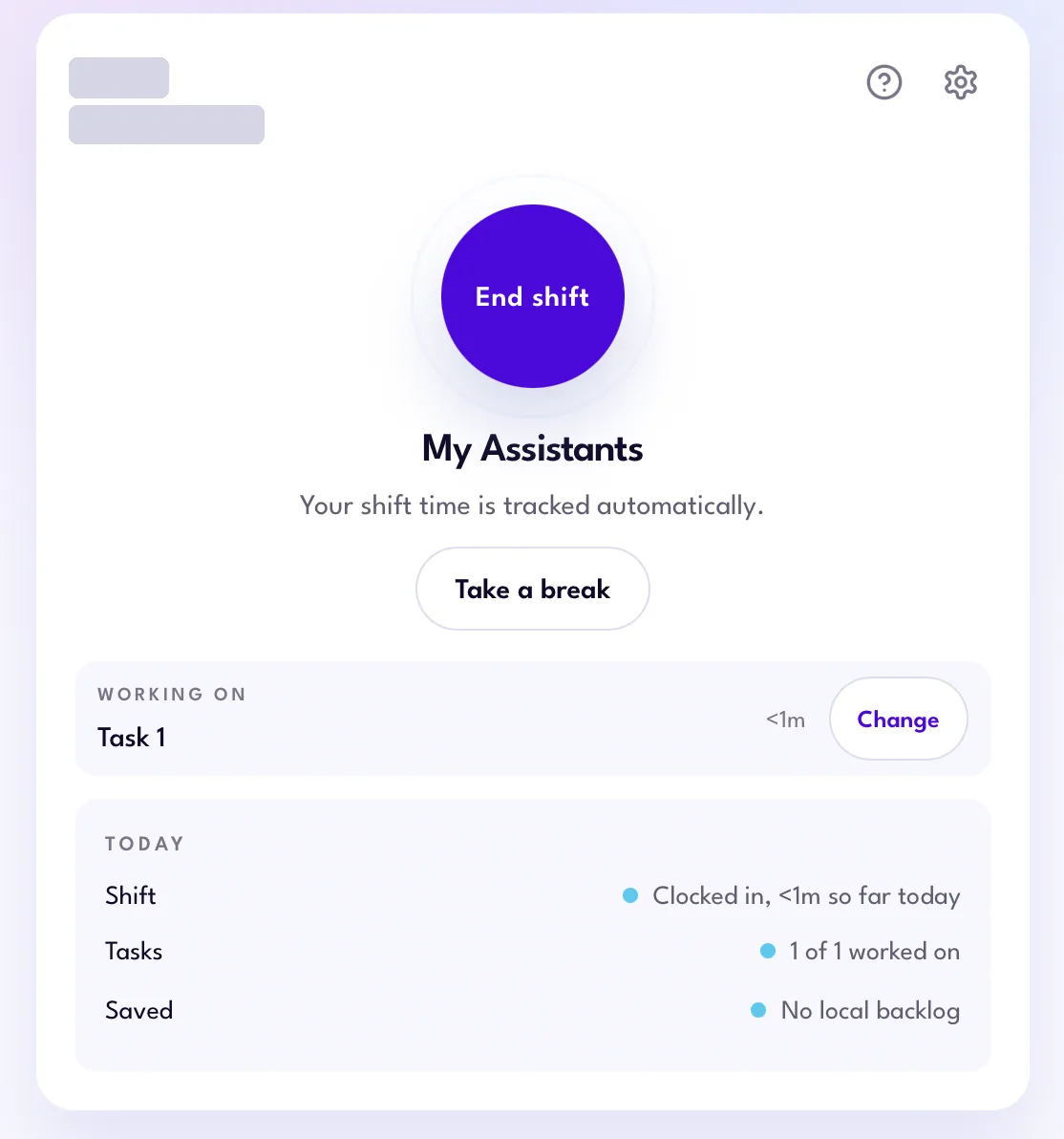
An active shift -
You’ll see where your time went. Click Review End of Day report.

Shift summary -
Review your End of Day report. Add an outcome or blocker where it helps explain the work, and update your daily summary. Check Email the client to send your client a notification when the report is published. Then click Publish and clock out.
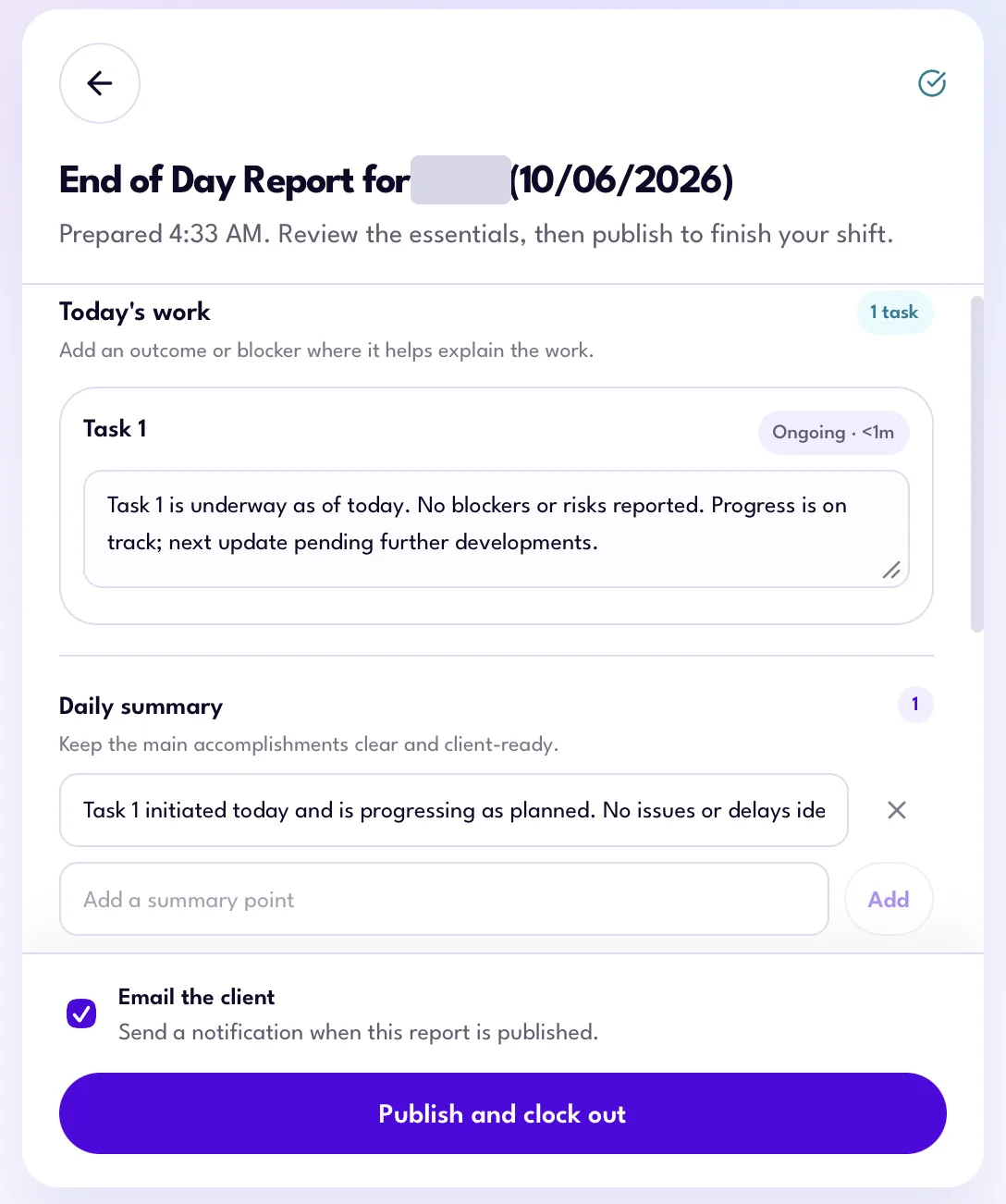
End of Day report -
The app publishes your report and clocks you out.
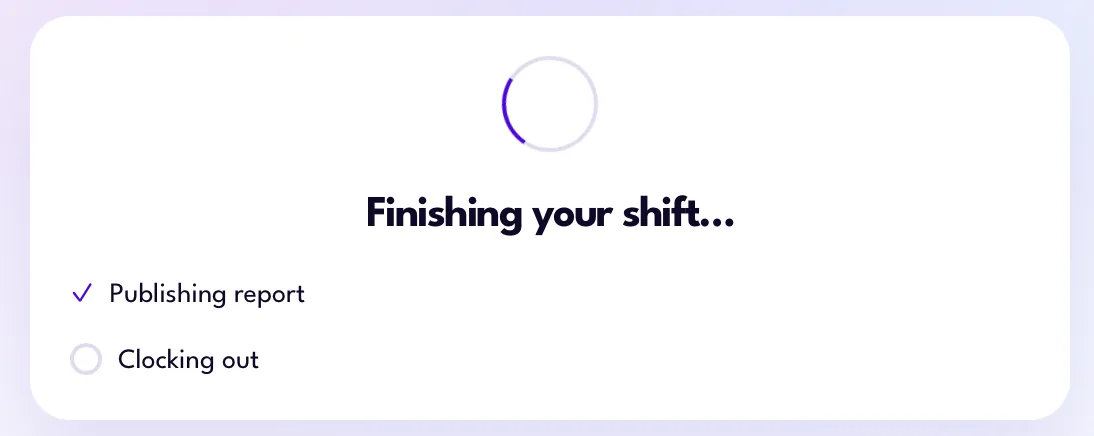
Clocked out
Your drafts save automatically, so you won’t lose anything if you close the app.
For clocking in, breaks, and clocking out, see Clocking In and Out.
Getting help
Running into bugs, or the app isn’t working?
-
Click the gear icon at the top right of the app, scroll down, and click Send Diagnostics. This sends app diagnostics straight to our engineering team.
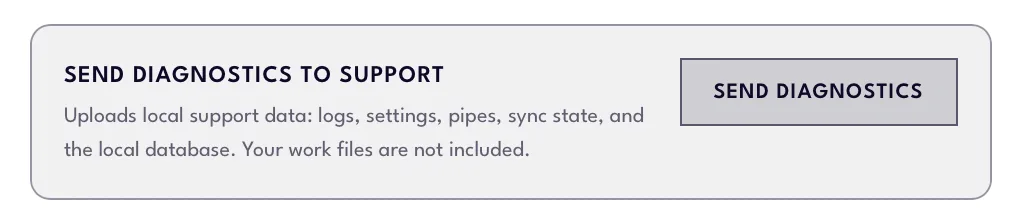
Send Diagnostics in app settings -
Fill out this form to report an issue or share feedback.
Have a question that’s not covered here?
Contact your Account Lead or fill out the feedback form.