


A remote assistant can call patients about missing forms before their visits, giving your front-desk staff that time back. A medical virtual assistant collects intake details, updates approved fields in the EHR, and follows up on appointment requirements. To set one up well, you need a clear task list, privacy safeguards, and rules for routing clinical questions.
TLDR:
- Your medical virtual assistant handles scheduling, intake, and insurance follow-up remotely.
- Your assistant follows booking rules and offers canceled slots to eligible waitlisted patients.
- Your assistant sends medical questions to clinicians, who make all clinical decisions.
- Your practice must confirm HIPAA status and set privacy safeguards before granting access.
- Magic’s full-time Virtual Assistant plan costs $360 a week for 40 hours of general business admin, with no long-term contracts and the option to cancel anytime. Confirm patient-data scope on a call first.
A medical virtual assistant handles healthcare admin remotely
A medical virtual assistant takes over remote healthcare admin, including patient scheduling, intake paperwork, and insurance follow-up, working from your practice’s written rules.
Medical virtual assistants handle administrative work. They don’t diagnose, recommend treatment, or make clinical decisions. Onsite medical assistants handle hands-on care, while a remote assistant, one of several types of virtual assistants, works by phone and inside your approved software.
Patient scheduling follows the practice’s booking rules
Give your assistant a booking checklist to follow on every appointment request:
- Verify patient identity using your approved procedure.
- Match visit type, provider, location, and appointment length to booking rules.
- Check referral requirements and interpreter needs.
- Send approved telehealth instructions if applicable.
- Recheck requirements before confirming a reschedule.
Example: A patient requests a video follow-up with a different provider. Your assistant checks whether the change is allowed, books an approved slot, and refers any exception to practice staff for a decision.

Your assistant follows up on reminders, cancellations, and waitlists
Between visits, your assistant sends approved reminders and logs patient confirmations. If a patient cancels, your assistant records the opening and offer it to eligible waitlisted patients under your rules, routing anything unusual to your designated staff contact.
A Cochrane review of text message reminders found evidence that text reminders improved appointment attendance compared with no reminders, with an effect similar to that of phone call reminders. A reminder doesn’t rebook a canceled visit or fill an open slot, so your assistant handles those replies.
Your assistant collects intake forms and updates records before the visit
Before each visit, your assistant collects registration forms, checks demographic details, and enters approved information into the electronic health record (EHR). If anything is missing, they reach out to the patient through an approved channel.
Medical transcription and scribing require task-specific training, separate access, and clinician sign-off before records are finalized. That is a narrower, regulated scope than what an executive assistant does. In practice, updating a patient’s phone number is routine admin, while documenting a clinician’s assessment requires clinical review.
Your assistant checks insurance and referral requirements
Your assistant checks insurance eligibility through approved payer portals and logs the response, date, and reference number. They also request missing referral documents and track authorization status.
Qualified staff handle coding and medical necessity decisions. An approved eligibility check or authorization doesn’t guarantee payment, because a payer can still deny coverage later. If benefit details conflict, your assistant sends them to billing staff. If a referral raises a clinical question, your assistant sends it to the clinician.
Your assistant handles routine calls and routes clinical ones to staff
On routine calls, your assistant answers approved questions like office hours and parking instructions. For prescription requests, test results, or medical advice, they log the message and route it to authorized staff.
For urgent calls, your assistant follows the practice’s approved urgent-call procedure.
The procedure should name a staff contact and a backup in case the contact is unavailable. Qualified clinical staff handle symptom assessment, treatment decisions, and interpretation of results.
Remote patient work requires privacy safeguards before access
Before granting a medical virtual assistant access, your US practice should confirm HIPAA workforce or business associate status and sign a business associate agreement directly with your assistant where required. The agreement must set out permitted uses and disclosures of patient information. It must also require the business associate to use appropriate safeguards and report any use or disclosure the agreement doesn’t allow, including breaches of unsecured patient information. The business associate must get any subcontractors that handle that information to agree to the same restrictions. It must also return or destroy the information when the agreement ends, where feasible.
If you work with Magic, your assistant onboards into your practice. Any required business associate agreement is signed with your practice directly. The assistant completes the same HIPAA and compliance training as your employees, and Magic doesn’t monitor or track the information your assistant handles inside your systems.
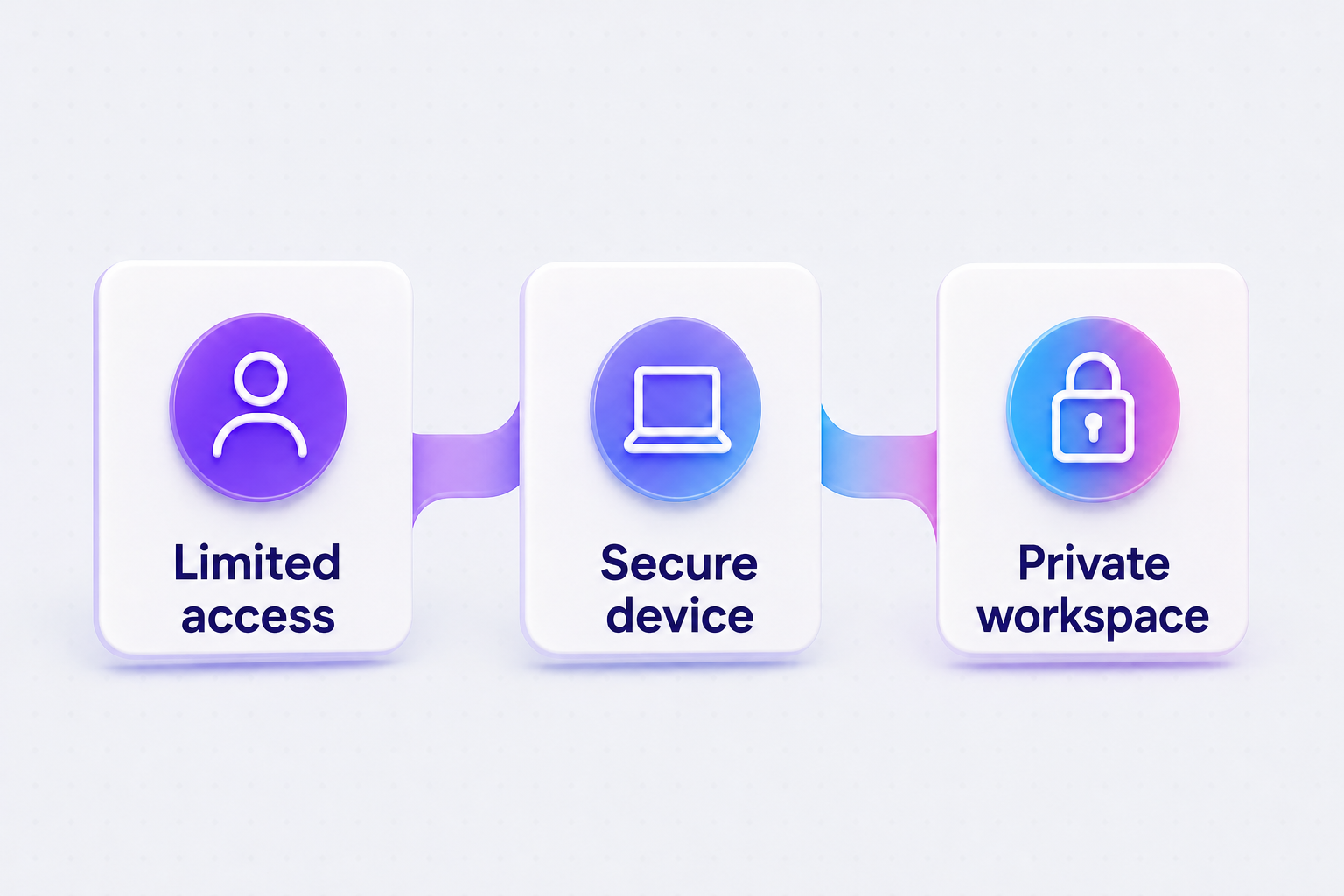
- Limit your assistant’s access to only the accounts the job requires.
- Require secure devices and private workspaces.
- Approve communication tools (see common assistant tools) and set incident-reporting procedures.
- Prohibit patient information in unapproved AI tools.
Your practice must retain required HIPAA Security Rule documentation for six years after its creation or the date it was last in effect, whichever is later. Medical-record retention requirements are separate.
Relevant skills matter more than the assistant’s job title
A candidate’s task skills are a better guide than a job title or clinical credential alone. Screen for them the way you would for general virtual assistant tasks.
For example, a hiring evaluator can use fictional patient information in a sample booking request with a missing referral. The evaluator checks how the candidate:
- Communicates clearly and respectfully with the patient.
- Understands the medical terminology in the request.
- Selects the correct appointment type and duration.
- Finds and updates relevant fields in a mock EHR.
- Recognizes when to ask practice staff for a decision.
The hiring model should match the practice’s workload
Who recruits, trains, and supervises your medical virtual assistant depends on how you hire.
Hiring model | Recruiting and supervision | Training and backup |
|---|---|---|
Direct remote hire | Practice recruits and supervises | Practice trains and arranges backup |
Independent contractor | Practice selects and supervises within an agreed scope | Written training and backup terms |
Virtual assistant company | Company recruits; confirm supervision | Confirm training and replacement coverage |
Patient care and physical check-in still need onsite staff. If software already sends your reminders, hire for the follow-up that needs a person.
Medical virtual assistant costs depend on scope and coverage
A medical virtual assistant quote, much like general virtual assistant pricing, should spell out working hours, location, and assigned responsibilities. For general business admin, Magic’s full-time Virtual Assistant plan is $360 a week and its full-time Executive Assistant plan is $540 a week, both with no long-term contracts and the option to cancel anytime. Confirm patient-data scope, software access, and backup coverage separately before budgeting.
Staff time spent on onboarding and supervision adds to the cost of a direct hire. Magic selects, trains, and coaches your assistant, so that time stays with your team. Completed appointments and staff hours freed for patient care are the clearest way to measure return on this cost. The same measures apply when you weigh executive assistant cost.
Your practice can assess bookings and follow-up against clear rules
Have your office manager or supervisor test the assistant with fictional records before granting live patient access. Review a few test bookings, call each escalation contact to make sure they answer, and check that the assistant can open only the accounts required to do their job.
Once live, track four measures:
- Whether bookings follow your approved scheduling rules
- How quickly patients get replies to scheduling and intake messages
- How many open requests remain unresolved at the end of each week
- Whether fewer patients miss scheduled appointments
If your front desk adds a new hire or patient visits jump in the same month, factor that in before you credit the assistant.
Your Magic assistant follows up with your vendors
When you hire a virtual assistant through Magic, your Magic assistant can follow up with vendors and handle approved general business admin for your practice. Magic selects, trains, and coaches your assistant, with full-time Virtual Assistant plans at $360 a week for 40 hours, no long-term contracts, and the option to cancel anytime. Your assistant then joins your practice directly, working in your accounts and following your policies and training.
For senior-level support, Magic’s full-time Executive Assistant plan ($540 a week) gives you an experienced assistant and includes 10 hours of Magic 24/7 work every week. Every Magic assistant comes from the top 0.5% of applicants and gets weekly one-on-one coaching. Read how we train our virtual assistants or see how Magic works.
Your assistant follows your practice’s booking and follow-up rules
Clear booking rules, privacy safeguards, and regular quality checks let a remote assistant take recurring admin off your front desk. Book a short call with Magic to talk through general business admin for your practice and confirm what your team wants to hand off.
Choose Magic for general business admin if you want Magic to select, train, and coach your assistant. A direct hire puts recruiting, training and backup arrangements with your practice. For patient scheduling or other work involving patient data, confirm Magic’s suitability and required privacy arrangements on a short call before choosing.
Yes, if you have general business follow-up that still needs a person, such as contacting vendors about outstanding requests. For patient-facing follow-up, including cancellation replies and waitlist calls, confirm suitability with Magic first; automated reminders alone don’t complete that work.
At $360 a week for 40 hours, Magic’s Virtual Assistant plan costs $1,440 per four-week billing period, which isn’t a calendar month. Treat that as the general business admin price, not a confirmed quote for medical virtual assistant duties. Confirm patient-data responsibilities, software costs and backup coverage before including them in your budget.
Yes, a remote assistant can handle booking requests, reminders and rescheduling while onsite staff handle physical check-in. Give both teams the same booking rules and a named contact for requests that need staff approval.
Use a mock booking request with fictional patient information and a missing referral. Check whether the candidate chooses the right visit type and duration, updates the mock EHR correctly, and asks practice staff to resolve the missing requirement.
Your assistant should check whether your booking rules allow both the provider change and the video visit before confirming a slot. Any exception goes to practice staff, and the patient receives approved telehealth instructions once the booking is confirmed.
Your assistant should follow your practice’s referral policy, including whether booking can proceed while documents are pending. They can request the missing referral and track its status, but staff must decide any exception to the booking rules.
No, eligibility responses and authorizations don’t guarantee coverage or payment. Your assistant should record the payer’s response, date and reference number if available, then send conflicting benefit details or payment questions to billing staff.
Your assistant should follow your practice’s approved urgent-call procedure and contact the designated clinical staff member, using the backup contact if needed. Qualified clinical staff assess symptoms and make care decisions; your assistant records and routes the request.
Confirm whether the assistant will act as part of your HIPAA workforce or as a business associate, and arrange a business associate agreement where required. Limit account permissions to assigned duties, require secure devices and a private workspace, and approve communication tools and incident-reporting procedures before access begins.
Use a waitlist procedure that defines who qualifies, how offers are tracked and when a slot becomes confirmed. Your assistant should check availability before confirming acceptance and record the booking in your approved scheduling system.
Compare scheduling errors, response times, unresolved requests and no-show rates with your practice’s baseline. Review patient volume and staffing changes alongside those results before crediting the assistant with an improvement.
Only use AI within your practice’s approved privacy and communication rules, and never put patient information into unapproved AI tools. Your assistant should check drafts against approved wording and send questions requiring medical advice to authorized clinical staff.
