
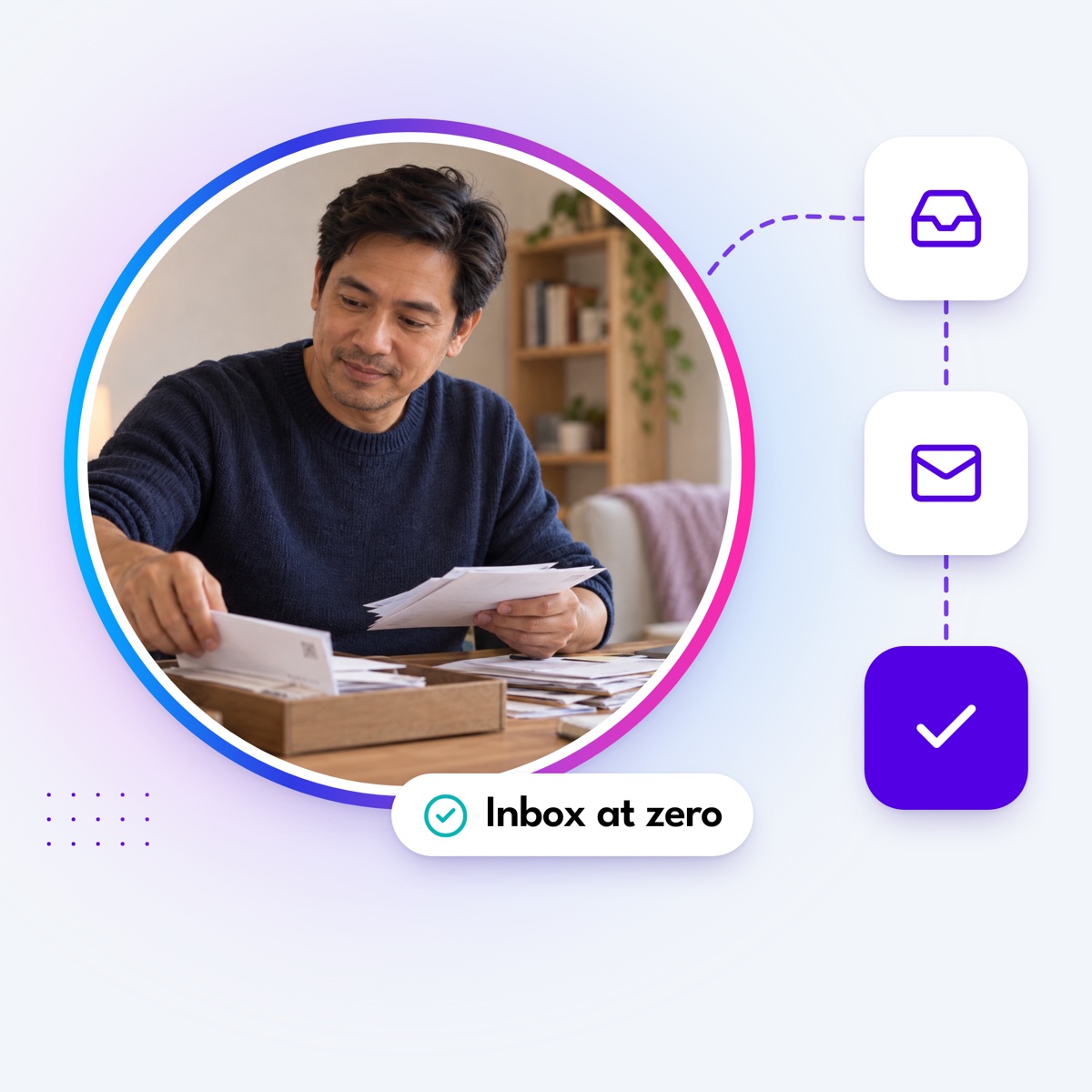

In growing your business, your email inbox can constantly get flooded with messages. Emails are crucial for communication but time-consuming to manage. Effective email management maximizes your productivity. An inbox management virtual assistant can handle your inbox to make your work more efficient and let you focus on your strengths.
It is easy to find yourself buried in administrative tasks like scheduling and customer emails when your real priority should be growth. Research shows that growing a business often means spending over a third of your time on routine admin. When you spend your most energetic hours reading through message threads, bringing in an email management virtual assistant becomes a practical operational decision.
By outsourcing this foundational task, you hire a dedicated professional to manage your digital correspondence. We will look into why you should outsource email management along with the tasks a virtual email assistant can handle.
What are email management services?
Email management services refer to handling and organizing incoming emails efficiently. The process involves managing inboxes, sorting messages into appropriate categories, and responding to emails. These services extend to sending emails, drafting email templates, and optimizing inbox storage for easy access. This ensures that your inbox remains an organized and stress-free space.
When you utilize these services, you stop treating your inbox as a reactive to-do list and transform it into a streamlined communication hub.
The role of a virtual assistant in email management
A virtual assistant is vital in managing emails for your business. They are skilled professionals who handle various administrative tasks, with email management being one of their most notable virtual assistant services. Their expertise helps you focus on your goals and build client relationships. And because they work remotely, they are a cost-effective solution for handling admin work.
A virtual assistant for email management is often the first real lever to help you reclaim time. Instead of rushing into a senior hire, a VA offers extra hands and extra hours. You do not need to hire a full-time professional for every function right away. You do not need a CFO to reconcile expenses or a marketing director to schedule social media posts. A trained VA handles the administrative work until your business truly needs a specialist.
The costs of inbox overload: Recognizing the signs
Many people start businesses in the pursuit of freedom. But while you might have started running a business, somewhere along the way, the business starts running you. When every single email reply flows back to you, simple problems pile up into bigger ones. You might spend the morning chasing overdue invoices, the afternoon firefighting a customer issue, and the evening preparing a pitch deck. At the end of the week, you have clocked 70 hours but still feel behind.
The more you take on, the harder it is to give each responsibility the attention it deserves. Important things start slipping through the cracks. Recent data shows that inbox overload is a concrete operational crisis:
- The average professional receives 117 emails per day, turning email inbox management into a standing obligation rather than an occasional admin task.
- Communication-heavy roles spend 13 hours a week, or roughly 28% of the entire workweek, just managing their email.
- Each email interruption costs an average of 23 minutes and 15 seconds to regain full focus on a primary task.
- The pressure to stay caught up blurs boundaries, with nearly 29% of active workers returning to their inboxes by 10 p.m.
This intensity slows growth and clouds judgment. Unmanaged inboxes directly contribute to missed opportunities because following up past the first wave becomes too much. Operational noise steals your attention and creates mental fatigue.
Staff augmentation vs. Traditional outsourcing
Getting the right help for your business requires careful evaluation. When looking for inbox support, it is easy to assume you need established outsourcing firms. Traditional outsourcing comes with significant trade-offs.
When you outsource to an agency, you hand over an entire function or project to a third party. They control the process and deliver the result. This leads to cost creep because firms bundle services into packages beyond what you need. Shifting needs mid-project can result in change fees or delays. You also experience a loss of control because the vendor dictates the tools and workflows.
Staff augmentation adds capacity to your team without the long-term baggage of permanent hires. You pay for the role you need for as long as you need it. A virtual assistant represents a smart middle ground. VAs are adaptable. You train them in the way you want things done, such as how you manage your CRM and track deadlines.
We can compare these two models across several core factors:
| Traditional outsourcing | Staff augmentation | |
|---|---|---|
| Cost | Higher costs due to bundled service fees and markups. | Lower ongoing expenses; pay for the role. |
| Flexibility | Bound to vendor scope and rigid contracts. | Scale up or down as your workload changes. |
| Control | Vendor dictates workflow and delivery timelines. | Direct the process, tools, and priorities. |
| Training | Limited room for customization; relies on scripted responses. | VAs adapt to your systems and learn your specific brand voice. |
| Scalability | Renegotiating larger contracts. | Add more assistants on demand. |
The smart balance: Knowing when to scale up
It is common to insist you need to hire a Chief Operating Officer when the workload spikes. What that usually means is that you are drowning in operational details like scheduling investor calls and clearing bottlenecks in communication. Those responsibilities are important, but not always enough to demand a seasoned executive with a massive salary.
A well-trained virtual administrative assistant takes on much of this load. They manage the inbox, handle vendor follow-ups, and keep the calendar under control. You regain the time to focus on strategy and growth without committing to an expensive leadership hire too soon.
This model works across different business stages:
- Startup founders: Founders find themselves buried in scheduling and customer emails when their real priority should be growth. A virtual assistant takes over repetitive activities to help the founder gain back precious hours.
- Mid-sized firms: As companies grow, the back-office load grows with them. Proposal prep and document management eat into entire workdays. VAs manage documents and prepare client-facing materials per company standards.
- Seasonal businesses: Demand can spike dramatically during peak times. VAs are brought in during the rush to handle customer support using the company’s tone. When business slows, hours scale back easily without penalties or wasted expense.
5 tasks an email management virtual assistant can do
An email management virtual assistant takes on a range of tasks to efficiently handle your email communications. The value is in flexibility and a willingness to adapt to your existing systems. Here is what you can delegate to your email assistant:
1. Organize and categorize emails
Your email virtual assistant organizes incoming emails into relevant folders and categories. They declutter inboxes from spam, promotional emails, and non-essential communication by using filters and rules. This systematic approach ensures emails containing essential information are readily accessible and easy to locate. They build a logical architecture tailored exactly to how your business operates.
2. Prioritize and flag messages
Your inbox management virtual assistant determines the urgency and importance of emails. They proactively flag urgent emails and filter out noise. You do not overlook crucial messages and can take the next step immediately. If they know you are preparing for an investor pitch, they filter your inbox differently. They prioritize messages from potential partners and delay lower-value requests.
3. Respond to emails and draft templates
A virtual email assistant drafts and sends email responses based on the guidelines you established as a business owner. They handle customer support by responding to simple inquiries, escalating complex issues, and logging tickets. They create email templates and schedule emails at specific times to optimize communication. Your clients get timely answers while you remain focused on key areas of your operations.
4. Optimize emails and storage
A virtual assistant manages email storage efficiently to keep mailboxes strictly under their limits. Rather than just deleting spam, this role expands to cover the administrative work tied directly to your daily communications:
- Archiving or permanently deleting unnecessary messages to safeguard critical data and free up digital space.
- Handling vital data entry by keeping CRM systems updated and transcribing important notes from long email threads.
- Conducting targeted research, which allows your assistant to pull presentation statistics or source new vendors directly from inbound inquiries.
- Taking over light bookkeeping duties, such as recording daily expenses and reconciling receipts.
5. Coordinate calendar and travel arrangements
Your VA integrates email communication with travel arrangements and calendar management. They plan and organize your professional commitments by coordinating across time zones, rescheduling smoothly, and preventing double bookings. When you need to travel for a conference, they book flights and hotels with your specific preferences in mind.
5 benefits of hiring an inbox management virtual assistant
With email management services, you regain control over your time as a business owner. Hiring an email management virtual assistant is a valuable investment for your growing business.
1. Boosts productivity and time management
Customer inquiries and third-party communications constantly flood your email inbox. Studies estimate employees lose three to four hours daily on repetitive tasks. This adds up to over 77,000 lost productivity hours per year in larger teams.
A VA categorizes and prioritizes these emails, drafts responses, and flags urgent messages for your immediate attention. This delegation lets you focus on important tasks like marketing and growing your business.
2. Improves communication and client relations
Prompt responses to emails enhance client communication. This leads to better customer relationships and satisfaction. A virtual email assistant lets you maintain open communication lines and slash response times. Whether you are preparing for a product launch or managing document logistics, a VA ensures client-facing materials are handled smoothly.
3. Enhances task delegation and collaboration
Your VA helps you with project management and other virtual assistant tasks. They facilitate an organized email system or shared inbox for seamless task delegation among team members. This includes ranking and tagging emails related to specific projects. Using shared tools like Trello, Asana, or ClickUp creates visibility and prevents tasks from slipping through the cracks.
4. Helps ensure email security and privacy
Inbox management services are well-versed in best email management practices. You can trust that they follow strict protocols to safeguard sensitive emails and attachments. Your sensitive information remains confidential and protected from data leaks. When you delegate properly, you build a more robust and compliant system.
5. Reduces inbox clutter and stress
An overflowing inbox leads to unnecessary stress. A virtual email manager declutters your inbox by tagging emails and sifting out spam. They use different email management software such as Gmail, Emailgistics, and Hiver. You navigate your inbox quickly and coordinate business efforts without the anxiety of a thousands-deep unread notification badge.
Best practices for working with a virtual email assistant
Bringing on a virtual assistant works best when you treat it like building a system. Upfront planning makes the difference between extra hands that feel useful and a partnership that transforms how you spend your time.
Enforce these best practices to maximize the benefits of hiring a VA:
Set up secure access to email accounts and tools
Ensure secure access to shared inboxes or email accounts and enable two-factor authentication. Use task and email management tools to keep track of things. Limit access to only what is required for their tasks. They have the precise permissions they need to execute their work without exposing unnecessary backend systems.
Implement clear email protocols and guidelines
Create clear procedures for your virtual email manager. Record a screen share as you process your inbox, or write a one-page checklist for specific scenarios. These guidelines should be specific to different types of emails. Being specific in your instructions prevents back-and-forth messages. Standard operating procedures help you maintain consistency and uphold your brand’s voice.
Establish a reliable communication channel
Open communication is crucial in a remote work setup. Set communication channels where you can share instructions and feedback with the VA. Agree on how you will communicate and decide what they should handle on their own. Define a clear communications plan to address gaps, especially if they are working in a different time zone. Consistent touchpoints prevent surprises and clarify expectations.
Monitor progress and provide feedback
Keep track of your VA’s performance and give constructive feedback. Minor corrections made quickly prevent bigger mistakes down the line.
If you notice an email drafted in a tone that does not match your style, address it immediately. This feedback helps your VA learn your voice over time. Encourage them to communicate questions proactively and foster an environment where they feel comfortable proposing workflow improvements.
Delegate your inbox and focus on growth
Once your assistant understands your priorities and learns your business voice, they become an extension of your team rather than just an extra set of hands. This level of integration streamlines your daily operations. Outsourcing email management services to a skilled VA improves client communication and permanently reduces the stress of an overflowing inbox.
Reclaim your valuable time by delegating these administrative tasks. Magic connects you with a vetted virtual assistant to handle a wide range of operational tasks, including email management. When the pressure is on, Magic makes it simple to get the exact help you need right away.
Take the first step towards better efficiency. Hire a Magic virtual assistant today!
