
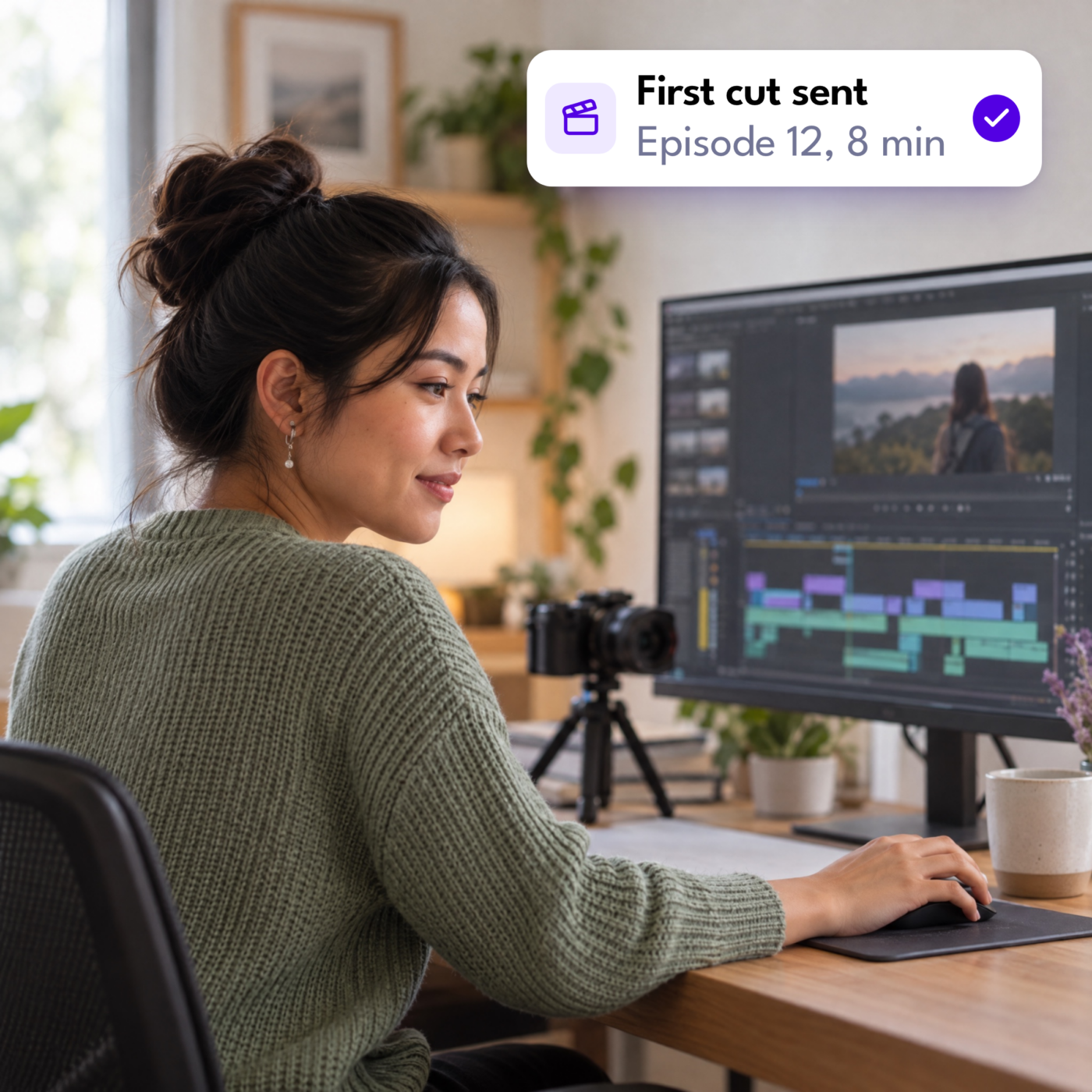

The demand for video is relentless. With every major platform prioritizing moving pictures, brands and creators are now expected to publish across YouTube, Instagram, TikTok, and LinkedIn on a daily basis. As video production moves increasingly in-house, the volume of required assets has multiplied, but the hours in your workday remain fixed.
The actual filming is rarely the bottleneck. You can sit down and record a 45-minute podcast or a quick talking-head video in a single take. The real friction happens in post-production. You pull the memory card, dump the files onto a hard drive, and stare at the editing timeline. It isn’t the creative direction that eats your time. It is the mechanical execution. You sync the audio, cut the dead space, build the captions, and export five different aspect ratios just to feed the algorithm.
This operational burden traps you in a cycle of editing rather than producing. You stop filming simply because your backlog of raw footage has grown too deep. The friction ultimately limits your output.
Delegating this work to a virtual assistant for video editing eliminates that friction entirely. When a trained assistant absorbs the predictable, repetitive tasks of post-production, you escape the timeline and get back to what actually scales your business: recording the next video.
The two categories of video editing and why they matter
Before you hand off your post-production workflow, you must define the exact type of editing your content requires. The term “video editing” covers a massive spectrum of work. Dropping a folder of raw footage onto a shared drive and expecting an assistant to deliver a polished final product usually results in a frustrating cycle of revisions.
To delegate successfully, you need to divide post-production into two distinct disciplines:
Creative editing
This layer of post-production relies entirely on subjective judgment and technical expertise. It requires an understanding of narrative pacing, such as knowing exactly when to cut to a reaction shot, how to visually build tension, or how to pace a story to hold a viewer’s attention.
Creative editing encompasses complex color grading to match multiple cameras, mixing multi-track audio to broadcast standards, and building bespoke motion graphics. Because this work demands a trained eye and artistic intuition, a director or a dedicated specialist video editor must own this process.
Production editing
In contrast, production editing runs on repeatable mechanics rather than artistic choices. This phase involves trimming dead air, applying your existing brand templates, and resizing video dimensions to fit specific social feeds. It includes the tedious labor of burning in captions, generating proxy files, and extracting short clips based on your provided timestamps.
A virtual assistant is built specifically for this category. While they do not step in as specialist editors by default, they excel at executing these defined, manual workflows with absolute consistency.
Why this distinction matters for delegation
Blurring the line between these two categories is the primary reason creators fail when trying to outsource their video production. If you expect a generalist assistant to act as a creative director, the delegation breaks down.
However, when you supply a clear standard operating procedure and the right brand templates, a virtual assistant perfectly absorbs the mechanical steps of your post-production. They apply the branding, cut the footage to the required specs, and stage the final assets for your review.
Recognizing this boundary clarifies expectations and protects your brand: you retain total creative direction, while your assistant manages the heavy lifting of execution.
Repurposing: A high-value repeatable task
Keeping up with a daily publishing schedule is an operational grind. Relying on net-new content traps you in a cycle of scripting, filming, and editing that quickly outpaces your capacity. This pressure to feed multiple platforms forces you to choose between running your business and recording another video.
Instead of producing new content, you can solve this volume constraint by repurposing old media instead. If you treat a 45-minute podcast as a source file containing six to 10 standalone moments rather than a single asset, you can maintain a daily presence without extra hours on camera. With short-form video receiving 3.5 times higher engagement than long-form content, this method efficiently extends your reach.
Extracting those clips still requires mechanical editing, but a virtual assistant absorbs that entire pipeline. You provide the raw file and timestamped notes, leaving the technical translation to them. They reframe the footage for mobile feeds, integrate your brand elements, and prepare the final exports to match each platform’s exact constraints.
Captioning, subtitles, and accessibility tasks
Most social media consumption happens in silence. Captions are no longer optional if you want your message to land, but adding them manually traps you in the editing bay. Syncing audio, fixing typos, and pacing text frame-by-frame is tedious labor that pulls you away from recording.
Rather than losing hours to transcription, you can pass this step to a trained assistant. Using tools like Descript or CapCut, they clean up the generated text, correct industry terminology, and match the visual rhythm to your speech. The final export is then adapted for its specific destination. Your assistant burns styled text directly into short-form videos for mobile feeds, or delivers clean SRT files to boost your YouTube search rankings. You get publish-ready assets without opening an editing timeline.
File organization and production workflow support
File management is the unseen bottleneck of content creation. Produce multiple videos a week, and your storage drives become a maze of raw clips, isolated audio tracks, and disjointed export files. This disorganization stalls production.
Instead of losing time hunting for assets, you can delegate archive maintenance. Once you upload raw footage to a shared drive, your virtual assistant renames the files using standard conventions and sorts them into structured project folders. To prevent system lag for your specialist editor, they generate proxy files for heavy 4K footage before the edit begins.
Beyond file sorting, your assistant manages a centralized content tracker. By logging which clips were extracted, where they were published, and when they went live, they prevent duplicate posting and extend the lifespan of each recording. A maintained digital infrastructure keeps your production pipeline moving and saves hours of administrative hunting.
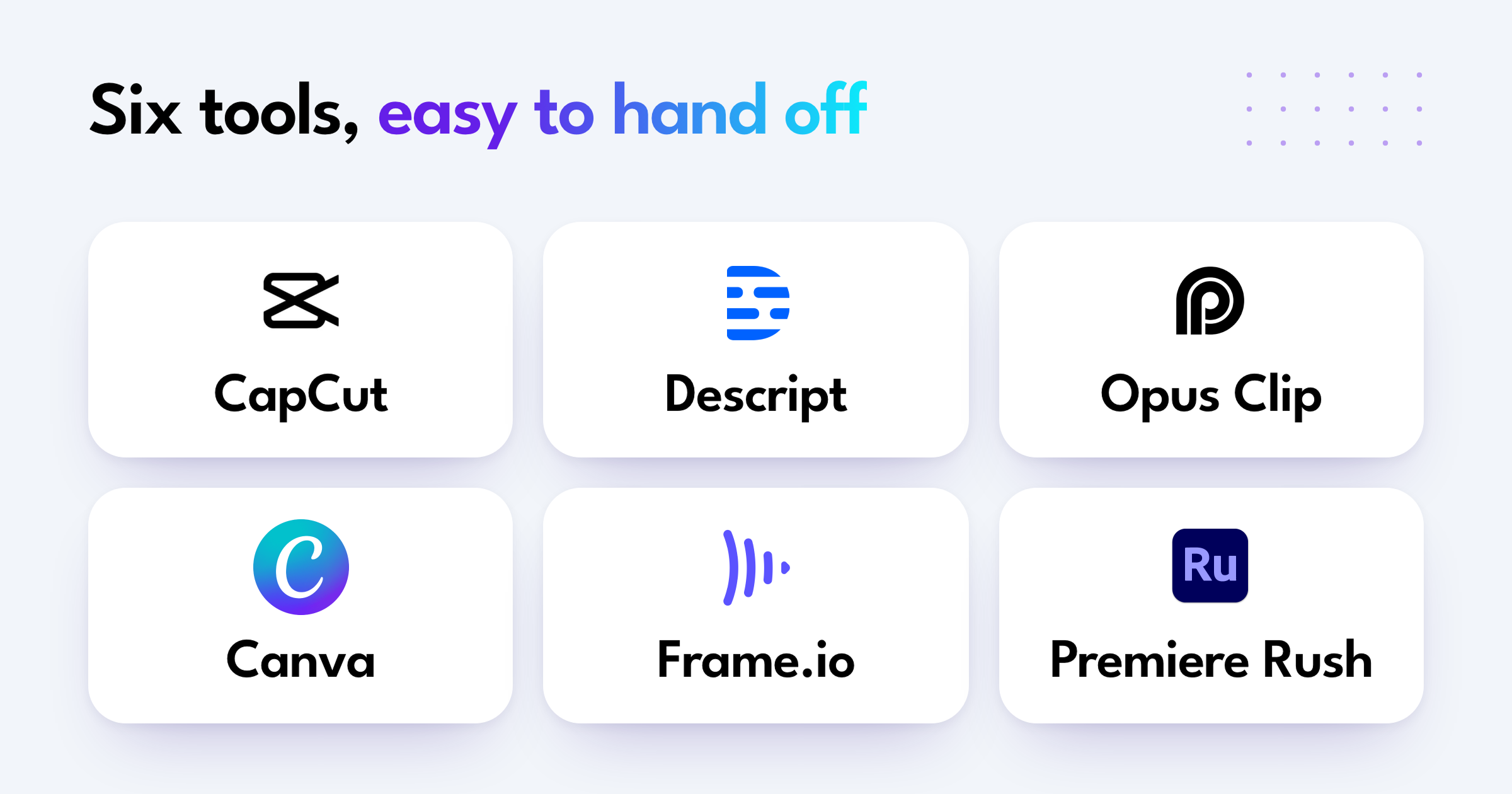
Tools commonly used in delegated video workflows
Delegating video tasks requires the right infrastructure. You cannot expect a generalist assistant to master complex compositing software like After Effects on day one. Instead, you build a production pipeline around accessible, collaborative platforms that prioritize speed and template management.
- CapCut: As the current standard for short-form production, CapCut allows your assistant to format vertical videos, apply brand-specific transitions, and generate dynamic captions within a highly collaborative interface.
- Descript: By shifting the editing process from a complex timeline to a text document, Descript lets your assistant tighten narrative flow and remove dead air simply by deleting words from the transcript.
- Opus Clip: When your strategy relies on high-volume repurposing, AI clippers like Opus Clip allow an assistant to feed a long-form recording into the system, extract the most engaging highlights, and refine the final cuts for social distribution.
- Canva: This platform acts as your visual guardrail. You lock in your fonts, colors, and logos, and your assistant uses those established templates to produce consistent thumbnails, title cards, and promotional graphics.
- Frame.io: Content should never go straight from the editing bay to your live feed. Frame.io provides a dedicated staging area where your assistant uploads drafts, allowing you to leave frame-specific feedback and approve the final cut before publishing.
- Adobe Premiere Rush: Designed for quick turnarounds, Premiere Rush delivers a streamlined, cloud-syncing version of traditional editing software built specifically for basic timeline cuts and standard color correction.
Standardizing your toolstack around these accessible platforms drastically reduces the learning curve. You can write clear process documentation, hand over the logins, and trust that your assistant will execute the mechanics predictably every single week.
What should stay with a specialist editor
Failed delegation usually happens when the lines of responsibility blur. If you hand an assistant a hard drive full of unorganized raw footage and expect a polished masterpiece, you will both end up frustrated. A virtual assistant handles the mechanics of production, but they do not replace the trained eye of a specialist video editor.
Certain elements of post-production require technical training, artistic intuition, and years of software mastery. You should never outsource the following tasks to a generalist:
Advanced color grading
Slapping a basic filter on a video is easy. True color grading is an entirely different discipline. Matching contrast, correcting skin tones, and balancing hues across multiple cameras shot in shifting daylight requires a specialist who knows how to read and manipulate color scopes.
Sound design and audio mixing
Bad audio ruins good video. A trained ear is necessary to EQ out harsh room echo, balance dialogue, layer ambient noise, and mix background music so your final cut sounds professional on both mobile speakers and studio headphones.
Custom motion graphics and animation
Building bespoke visual elements from scratch requires dedicated software knowledge, such as Adobe After Effects, and a deep understanding of core design and keyframing principles.
Narrative pacing
Deciding when to cut to a reaction shot, how long to hold a quiet moment, or how to visually build tension isn’t a mechanical step. It is the heart of storytelling and a purely creative choice.
Keep these responsibilities with your creative director or specialist editor. Your virtual assistant frames this creative work. They step in first to organize the raw assets and sync the multi-cam audio before the edit begins.
Then, once your specialist exports the master file, the assistant steps back in to manage the heavy lifting of repurposing, captioning, and distribution. This division of labor protects your creative process while keeping your production pipeline moving without friction.
Setting up a repeatable video editing workflow for delegation
A virtual assistant cannot guess your preferences. If you hand over a folder of raw footage without instructions, you will receive a product that does not match your brand. Delegation requires a foundation. You must build the system before you hand over the tasks.
- Centralize your brand assets: Design your lower thirds, intro bumpers, and outro screens, and save them in a shared folder accessible to your assistant.
- Lock in caption styling: Establish the exact look for your text, including the font, brand colors, and specific screen placement.
- Write the step-by-step guide: Detail the workflow for repurposing your content. Create a checklist covering steps like changing the aspect ratio, applying color filters, and inserting the hook.
- Record a video walkthrough: Use screen recording software to film yourself executing the process once. This video serves as the primary training manual.
- Establish the review pipeline: Work should not go straight from the assistant’s timeline to your public feed. Set up a staging area in a tool like Frame.io or a private YouTube link where the assistant uploads the draft for your specific feedback.
This setup requires a few hours of upfront work. Once established, every future video follows the track. You eliminate the need to explain the basics, and the assistant executes the steps autonomously.
Scale your content output with Magic
Producing video at scale demands operational leverage. You cannot script, film, edit, format, and distribute content while actively running a business. The repeatable, mechanical side of post-production belongs in the hands of a dedicated assistant.
Magic connects you with professional virtual assistants who integrate seamlessly into your team, giving you the confidence to delegate the tasks that slow you down. Handing off this execution layer protects your time and your team’s bandwidth. If you are aggressively growing a channel, bringing on a virtual assistant for Youtubers provides the exact operational support needed to maintain a daily publishing rhythm without burning out.
Stop letting the editing timeline bottleneck your output. Make time for what matters.
