
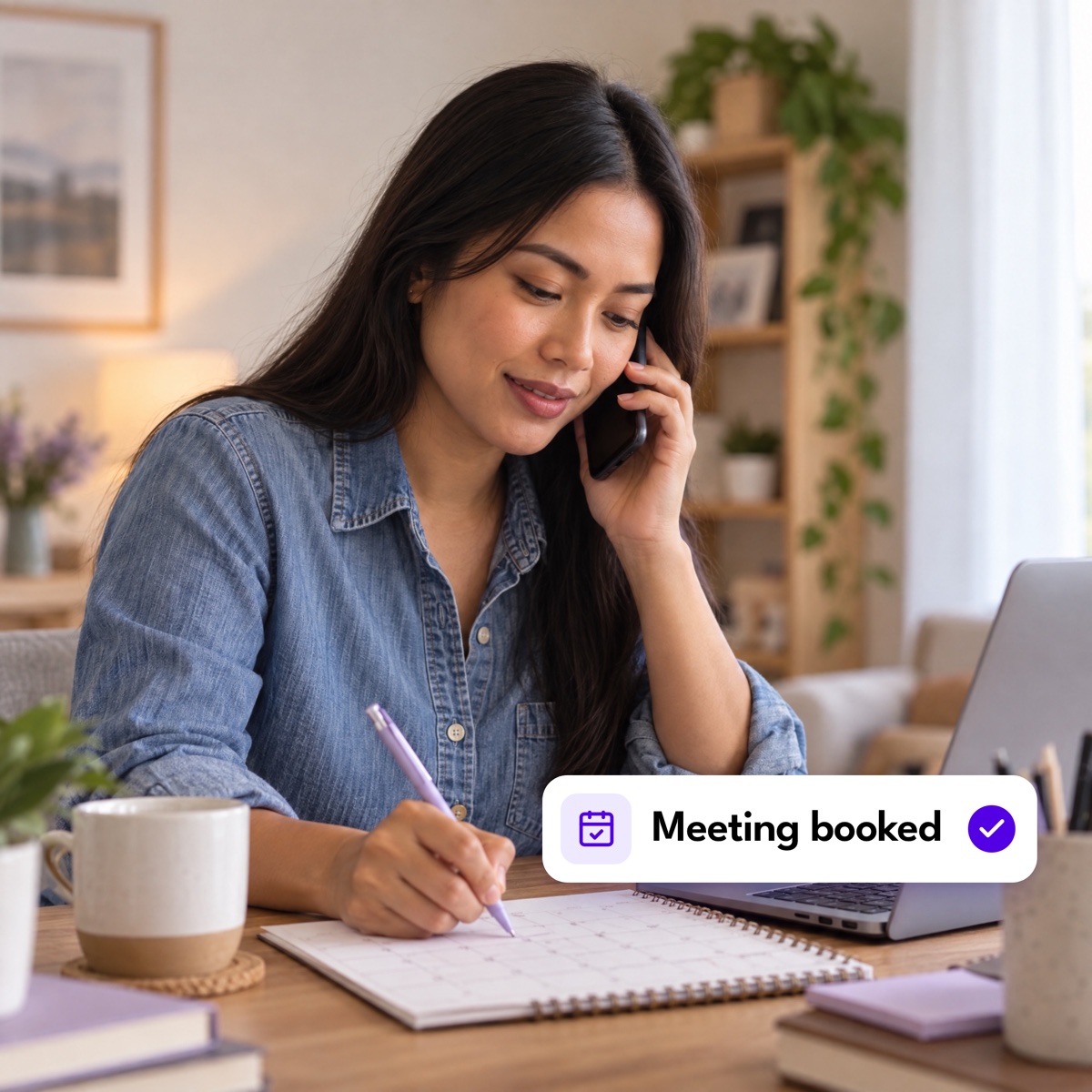

Setting appointments well makes good use of your time, and it shows prospects that you value theirs. To keep an optimal schedule for inbound and outbound sales calls, many teams hire a virtual assistant as an appointment setter to drive positive B2B or B2C engagements.
Done right, appointment setting gives your reps more chances to close and builds stronger business relationships. Here are 12 tactics that work.
Key takeaways
Good appointment setting respects your time and the prospect’s, which sets up a stronger pitch later.
Appointment setters contact prospects, introduce your business or product, and schedule sales meetings.
Hiring a virtual assistant as an appointment setter frees your sales team to focus on closing deals.
What Does an Appointment Setter Do?
Appointment setters contact and qualify prospects so your sales team has real opportunities to work later in the pipeline. They track schedules and keep the leads database current, and lead prospecting is part of the role too. The core job is getting a prospect to agree to a meeting with a rep.
Here’s what the process usually looks like:
Reach out to a potential customer.
Briefly introduce your company and what you sell.
Ask the prospect to book a meeting with a sales rep.
Update the leads database with the outcome.
Hand the booked appointment to the sales team to close.
Tips on Setting Appointments in Sales
Setting appointments is harder than it used to be. The Sales Development Technology Report found it takes around 18 dials to connect with a single buyer. These 12 best practices will improve your odds.
1. Consider the Prospect’s Time Zone
Call when it’s convenient for the prospect. Aim for office hours, and keep in mind that the best response times run from 10 AM to 2 PM.
Calls that land during someone’s downtime tend to annoy them, and calls outside business hours go to voicemail. Check the time zone and work out when your prospect is likely to pick up before you dial.
2. Confirm Time Availability
Decision-makers are busy, so open politely. Ask whether they can spare a few minutes before you start talking about your product.
If they can’t talk, don’t push. Ask for a good time to call back instead. Prospects tend to be more receptive once you’ve respected their schedule.
3. Be Prepared
Preparation is what earns the meeting. Corporate Visions found that adding value and insight to each call can close up to 74% of deals.
Before you call:
- Know which product fits the prospect, and think through the concerns they’re likely to raise.
- Prepare answers to the hard questions you expect.
- For B2B, check social profiles and read up on the company’s mission and goals.
4. Show Interest
Prospects can tell when enthusiasm is fake, so be sincere. Ask about what they need and what’s getting in their way, and listen to the answer.
When you can connect what you sell to a problem the prospect actually has, agreeing to a meeting becomes an easy decision for them.
5. Don’t Be Pushy
You may be applying more pressure than you realize. HubSpot reports that 50% of prospects find salespeople too aggressive, while only 17% of salespeople think they are.
Be eager without being forceful:
- Don’t launch straight into your pitch, because it comes across as too fast and too strong.
- Handle objections with a consultative approach instead of arguing.
- Use testimonials, facts, and persuasive language to earn the appointment.
6. Take Advantage of Technology
Integration tools have made remote collaboration easier, and appointment setting has gotten easier along with it. Look for appointment setting software that can:
- Simplify calls across time zones
- Drop voicemails while you dial the next number
- Increase hourly dials with preview dialing
- Send email follow-ups automatically
- Sync multiple calendars for team selling
No commitment
Let an assistant handle the calls
Magic sources, screens, and onboards an appointment setter for you. You meet them first, and you aren’t charged until you start working together.
7. Share User Reviews Online
Social proof builds credibility, and it does the most work for startups and SMEs. HubSpot reports that 88% of customers trust reviews.
Put social proof on your website and your social channels. Name-drop high-profile clients where you can, or share a customer story that shows how you solved a similar problem. Case studies and reviews are the most convincing formats.
8. Think Target Market
Qualified leads come from working closely with your marketing team. Track signals like:
- Website visitors. Ask to be notified when prospects visit, so you can reconnect at the right moment.
- Content downloads. Follow up with people who grab templates, white papers, or case studies.
- Event attendees. Webinar and event lists are prime booking contacts.
9. Build Trust and Relationships
Cold contacts agree to meetings once they trust you. Two ways to build that trust:
- Be human and build rapport. Prospects want to talk to a person. Rapport and empathy make them comfortable enough to hear you out.
- Aim for the booking. When a prospect finally picks up, resist the urge to pitch. Your goal is the meeting, so let the relationship develop from there.
10. Train to Handle Rejections
Even experienced setters need refresher training on objections. Learn your prospects and your product thoroughly, then study how to handle sales objections so you can reframe a concern and point out what makes your product different.
11. Use a Script
A script keeps your pitch consistent and on-brand. Experienced setters who could improvise still use one. A good script includes:
- A personalized greeting or opener
- A branded introduction of you and your business
- A positioning statement
- Discovery questions
- A closing statement with a call to action, which is setting the appointment
12. Remember to Follow Up
Once a prospect is interested, ask for the follow-up meeting and suggest a specific date and time.
Then send a confirmation email with the agreed time and a short recap of your conversation. That helps most with busy, industry-specific buyers who are hard to reach.
| Best practice | What to do | Why it works |
|---|---|---|
| 1. Mind the time zone | Call during their office hours, ideally 10 AM to 2 PM their time. | Calls outside business hours go to voicemail. |
| 2. Confirm availability | Ask if they have a few minutes before you start talking. | Respecting their schedule makes them more receptive. |
| 3. Be prepared | Research the company, pick the right product, and pre-write answers to hard questions. | Calls with real insight close up to 74% of deals. |
| 4. Show interest | Ask what they need and listen before you position anything. | Prospects can tell when enthusiasm is fake. |
| 5. Skip the pressure | Handle objections consultatively instead of arguing. | 50% of prospects already find salespeople too aggressive. |
| 6. Use the tools | Add a dialer, voicemail drop, automated follow-ups, and calendar sync. | More dials per hour with fewer manual steps. |
| 7. Show reviews | Publish testimonials, case studies, and client names. | 88% of customers trust reviews. |
| 8. Target the right market | Work marketing signals like site visits, content downloads, and event lists. | Warm leads book at a much higher rate than cold ones. |
| 9. Build trust | Build rapport first and aim for the meeting instead of the sale. | People agree to meet with someone they trust. |
| 10. Train for rejection | Run refresher training on the objections you hear most. | Prepared setters can reframe a no instead of losing it. |
| 11. Use a script | Cover the opener, intro, positioning, discovery, and close. | Keeps the pitch consistent and on-brand across reps. |
| 12. Follow up | Propose a specific date and time, then confirm by email. | Busy buyers forget verbal commitments. |
Combine These Best Practices with Magic to Boost Your Sales
Appointment setting takes up time your reps could spend closing. Outsourcing it keeps the pipeline full while they stay on revenue work.
Magic’s remote assistants can take it on. Hire an appointment setter or an outsourced SDR for lead generation, lead qualification, CRM management, and data entry. Part-time is $270 a week for 20 hours and full-time is $540 a week for 40 hours, billed every four weeks with no long-term contract. You can also estimate what you’d save with the ROI calculator or see the full breakdown on the pricing page.
Get started
Start with one appointment setter.
Magic sources, screens, and onboards them. You meet them first, and you aren’t charged until you start working together. Cancel anytime.
