


A remote team is a group of employees who work together from different geographic locations rather than a centralized physical office. Some teams are built up from the ground up across multiple cities or time zones, while others transition from traditional office environments.
Learning how to build a remote team offers distinct advantages for your business. You can gain access to a global talent pool and expand your operational coverage because of time zone differences without increasing your overhead. Recent workplace data show that 86% of employees prefer fully remote or remote-first work arrangements, and companies operating remote work teams report higher retention and stronger daily output when clear operational structures are in place.
However, remote team building also brings specific challenges. around communication, schedule coordination, and workflow tracking. Building and leading high-performing remote teams requires deliberate systems, clear operational guidelines, and consistent communication rhythms.
Making the case for remote teams
Many business owners and executives delay remote work team building because they worry about losing oversight. However, attempting to run every operational workflow in-house with local staff creates severe bottlenecks that slow business growth.
The cost of operational overload
Founders and executives often find themselves trapped in daily admin that pulls them away from important business functions, such as product development and sales calls. The true scale of this operational drag shows up clearly in the numbers:
- Business leaders spend nearly 35-40% of their daily bandwidth on routine administrative chores that fail to drive growth.
- 72% of entrepreneurs report experiencing severe burnout during their careers.
- In any given month, over 42% of founders admit to feeling actively burned out.
- Nearly 40% of company owners clock grueling 60-plus-hour workweeks just to manage operational bandwidth.
- 3 to 4 hours are lost daily by employees in growing mid-sized companies to repetitive manual tasks like file sorting, data entry, and schedule coordination.
- Administrative bottlenecks eliminate upwards of 77,000 productive hours every year within larger organizations.
When operational demands consume this much energy, executive burnout becomes almost inevitable. As a result, important business initiatives stall just because leaders are stuck managing inboxes and calendar logistics. This internal friction extends across the entire organization, capping overall capacity and slowing long-term business growth.
Strategic benefits of distributed staffing
Offloading routine operational tasks to a remote workforce gives your team the capacity it needs to remain productive. A skilled remote workforce offers targeted capabilities while requiring lower compensation. They also do not need physical office space or hardware, which enables leadership to reclaim their hours at a fraction of the cost of traditional hires.
This structure gives organizations true operational flexibility. Instead of taking on full-time payroll expenses upfront, you can choose to start with part-time support and only scale coverage up or down based on current operational demand.
Setting up the digital workspace and operational systems
Before you hire remote team members, you need to create the proper work environment for you and your team. In the absence of physical visibility in an office, clear rules ensure that everyone stays organized and productive.
Standardize operational guidelines
A distributed team can quickly become disorganized without explicit operational rules. This is why it’s important to establish clear expectations for how your remote work team shares and stores information.
Establish the following rules early on:
- File naming conventions: Standardize how files are titled and stored in shared drives so team members can locate documents quickly.
- Communication etiquette: Define which channels are for urgent messages versus which are for asynchronous updates to prevent miscommunication and delays.
- Project management workflows: Require that every task live in a shared tool with an assigned owner, clear deliverables, and defined due dates.
Consolidate your software tools
Tool fatigue slows down distributed teams and causes critical information to fragment across multiple platforms. Rather than letting team members shuffle between competing apps, choose a single, standard software stack and require everyone to use the same tools.
Streamline your stack around these core operational needs:
- Keep daily messaging inside asynchronous platforms like Slack or Microsoft Teams. Reserve Zoom or Google Meet exclusively for scheduled video meetings.
- Centralize all task tracking in a single project management tool, such as Asana, Trello, or ClickUp, to monitor project timelines.
- Store all shared documentation, SOPs, and project files in a central hub, such as Google Drive or Notion, so institutional knowledge stays accessible.
- Use Loom and other video software to record quick screen-share walkthroughs to explain complex workflows without scheduling extra live meetings.
- Secure system access and credentials using password management platforms like 1Password or Bitwarden to share login access safely across your workforce.
Coordinate work schedules and time zones
Schedule alignment can be tricky when team members live across different regions and time zones. To ensure proper coordination, pick one primary time zone to sync everyone’s schedule around. This can be the region where leadership resides or where the majority of your client base operates.
Then, set overlapping hours where everyone becomes available for meetings and live collaboration. You can leave the remaining hours for focused work.
Build structured daily routines
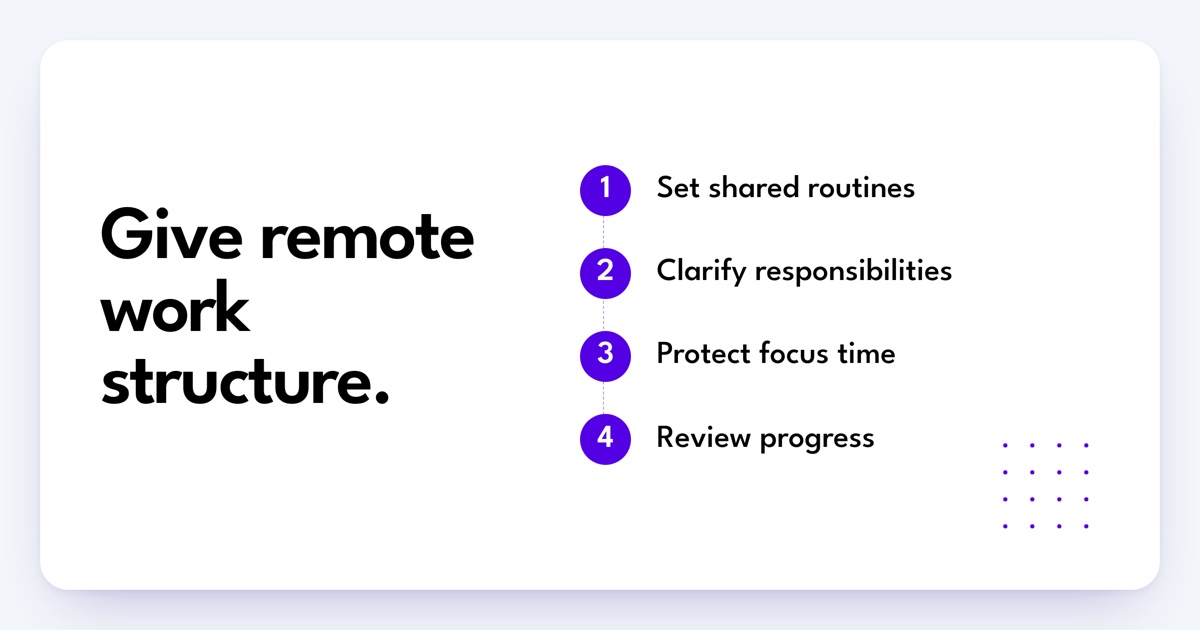
Help remote employees structure their workday so tasks do not fall through the cracks. Encourage employees to apply proven time-management techniques to protect focus blocks and to establish routines for start-of-day check-ins and performance reviews. Operating within a structured daily routine makes it easier to focus on building a productivity system that scales with your business.
Core strategies for building and leading high-performing remote teams
Once your operational systems are set up, focus on the management habits that keep remote employee team building effective over time.
1. Hire for autonomy and adaptability
Remote work requires self-direction. So, look for candidates who are responsive and communicate clearly in writing. They must also be able to troubleshoot simple technical issues independently and manage their daily schedules with minimal supervision.
While core values should align with your business, avoid over-indexing on vague ideas of “culture fit” alone. Focus on bringing in adaptable individuals who offer diverse perspectives and new ideas.
2. Prioritize clear, intentional communication

Miscommunication happens easily when relying on text-based channels. To avoid these hiccups, schedule regular video meetings to review strategic goals and maintain team alignment during a live session.
Use a Round Robin format during these sessions to ensure equal participation from team members. Encourage them to review practical remote communication tips to keep written messages concise and clear.
3. Establish explicit goals and deadlines
Always specify exact output expectations to avoid confusion and project delays. Explain their deliverables and completion deadlines, including the target time zone, to eliminate ambiguity. Ensure that every employee explicitly acknowledges goals and deadlines in your project management tool before work begins.
4. Build ongoing learning systems
Create cross-training programs where team members learn adjacent roles and host open brainstorming sessions during team calls, and encourage leaders to vary their interactions with team members. Investing in employee growth improves retention and strengthens team capabilities.
5. Foster social connections and team rituals
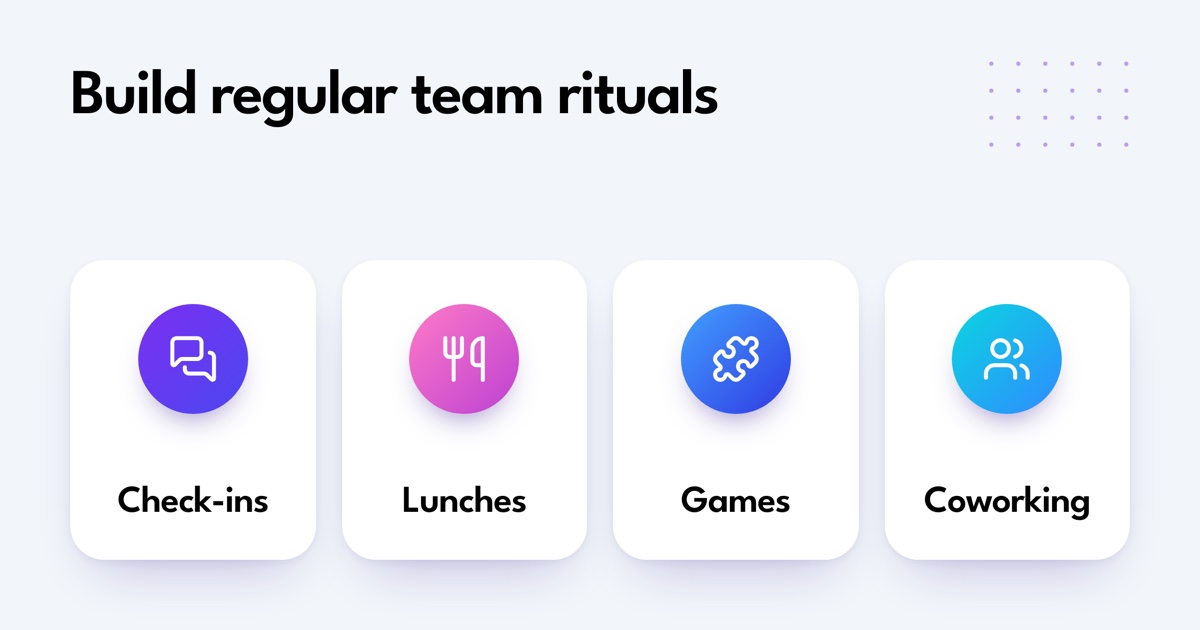
Working remotely can feel isolating if your team’s interactions remain strictly transactional. Create regular team rituals to build working relationships across distances:
- Host informal 5-minute check-ins or breakout discussions at the start of meetings.
- Organize recurring social activities such as virtual lunches, game shows, trivia championships, or movie nights.
- Run virtual team-building events like scavenger hunts, escape rooms, holiday celebrations, DIY craft challenges, or karaoke sessions.
- Set up virtual coworking sessions or share weekly team member features to highlight personal interests and encourage organic connections.
6. Publicly recognize achievements and milestones
Acknowledge individual and team contributions publicly. Mention completed projects during company meetings, spotlight key milestones in team newsletters or chat channels, and offer tangible incentives like performance bonuses or gift cards to reward exceptional execution.
7. Protect work-life balance and prevent burnout
Remote employees often struggle to separate work hours from personal time. Set firm boundaries around communication expectations. Avoid sending messages on weekends that demand immediate responses, and do not expect employees to keep messaging apps open constantly. When workloads become heavier, redistribute tasks or offload administrative work to keep your remote team healthy and focused.
8. Maintain consistent leadership check-ins
Proactive leadership is an important part of managing remote teams. Aside from keeping everyone aligned, regular oversight can give you more insight into your team members’ day-to-day.
Schedule regular one-on-one meetings to discuss current challenges, offer direct feedback, and check on employee well-being. Developing these proactive habits for managing a remote team can help prevent minor operational issues from growing into major disruptions.
How to build a remote team for specific functions
Building a remote work team requires tailored operational approaches depending on the specific department you are assembling.
Building a remote sales team
Learning how to build a remote sales team successfully depends on clear pipeline visibility and consistent activity tracking.
- Require reps to strictly log lead status, call notes, and deal stages in your CRM, so pipeline data stays transparent.
- Define explicit handoff protocols for transferring qualified prospects between prospecting reps and account executives across different time zones.
- Track daily input metrics, such as emails sent and scheduled demos, alongside lagging metrics like closed revenue.
- Conduct weekly asynchronous call reviews where reps upload call recordings to refine pitch messaging and objection handling.
If you need dedicated help managing lead outreach, CRM entries, or follow-up logistics, bring in specialized remote sales support to keep your sales pipeline moving.
How to build a remote tech team
Your team’s documentation practices and clean technical handoffs can keep codebases stable while working with a remote tech or development team.
- Maintain technical specifications, code repositories, and system architecture guides inside a central knowledge base.
- Run structured agile sprint cycles with scheduled standups and retrospective meetings.
- Enforce peer code reviews and automated testing suites before any updates are merged into production environments.
- Establish clear rules for asynchronous communication so developers can protect their focus time.
- Create standard escalation paths for critical server outages or security incidents occurring outside core local hours.
To lighten the administrative load on your engineering leads, build a remote development team and leverage targeted remote tech and software support to handle routine bug tracking, documentation updates, and user ticket triage.
How to build a remote accounting team
It is important to define core finance functions as you build a remote accounting team. Doing so ensures the accuracy and security of your financial data.
- Enforce multi-factor authentication, encrypted file transfer portals, and role-based permissions to protect financial records.
- Create step-by-step closing checklists with firm deadlines for reconciliations, invoicing, and financial reporting.
- Document clear procedures for categorizing expenses and vendor payment schedules.
For growing businesses that need reliable help managing receipts, invoicing, and reconciliation schedules, integrated remote accounting support provides back-office stability without adding headcount overhead.
Managing performance and accountability without micromanagement
In the absence of physical interaction, most managers default to micromanagement, using tactics like tracking keystrokes and requiring instant responses. While the goal is often to guarantee productivity, these practices actually produce the opposite result.
Workplace studies show that remote employees are 56% more likely to experience severe work stress under constant surveillance. They are also nearly twice as likely to report lower overall daily output compared to those given more autonomy at work.
Constantly policing activity erodes trust, stifles independent problem-solving, and ultimately creates the very inefficiency managers are trying to avoid.
Focus on deliverables and clear key performance indicators (KPIs)
Managing a remote team effectively requires shifting your focus from physical presence to clear operational outputs. Rather than keeping an eye on hours worked, evaluate their performance based on how well they meet expectations through their outputs:
- Executive assistants can be evaluated on responsiveness and administrative accuracy.
- Sales support roles should be tracked by lead management speed and overall pipeline activity.
- Customer support performance can center on inquiry resolution times and client satisfaction ratings.
- Bookkeeping assistants can be measured by financial record precision and accounting turnarounds.
Always assign clear ownership and due dates for every deliverable inside your project management tool so expectations remain completely transparent.
Build standard operating procedures (SOPs)
Vague instructions lead to back-and-forth messaging that wastes valuable time. Create a shared knowledge library by:
- Recording quick screen-share videos and walkthroughs when explaining complex workflows.
- Writing simple, step-by-step checklists for recurring daily, weekly, or monthly tasks.
- Storing SOPs in a central tool like Notion, Loom, or Google Docs so team members can answer routine questions independently.
Establish escalation thresholds and decision rules
Set clear rules on what team members handle independently and what requires manager approval. Define explicit operational boundaries:
- Permit customer service reps to issue refunds or discounts up to a specific dollar amount without approval.
- Allow executive assistants to reschedule routine internal meetings, but require confirmation for client calls.
Giving employees clear authority over daily decisions builds trust and prevents project bottlenecks.
Set consistent touchpoints
Establish a predictable communication rhythm to keep projects moving smoothly without constant interruptions:
- Daily written updates: Have team members post a brief 3-point bulleted list in Slack at the end of their workday outlining completed tasks, planned priorities for tomorrow, and current blockers.
- Weekly one-on-one meetings: Hold a recurring 30-minute sync to review progress, offer constructive feedback, and resolve operational challenges.
Which remote staffing model should you use?
Choosing how to structure your remote workforce impacts your budget, operational control, and team management workload. Businesses generally select one of three primary models:
| Model | Primary Best Use | Level of Control | Onboarding & Timeline | Cost Structure |
|---|---|---|---|---|
| Direct In-House Hiring | Core, long-term leadership and strategic roles | Direct manager control over process, tools, and daily output | Long recruitment cycle (approx. 6 weeks to recruit + 6 weeks to onboard) | Highest ongoing cost (full salary, benefits, local tax overhead) |
| Project Outsourcing | Specialized, hands-off projects like IT infrastructure or app development | Vendor dictates tools, timelines, and execution workflows | Fast start, bound by formal vendor contracts | Higher bundled fees, agency markups, and potential change fees |
| Staff Augmentation & Flexible VAs | Ongoing operational support, admin tasks, and scalable team capacity | You maintain direct control over priorities, tools, and workflows | Rapid deployment (matched and onboarded in days) | Cost-effective hourly or monthly rates without long-term lock-in |
1. Direct in-house hiring
Direct hiring gives you complete oversight when building an internal team. Candidates go through your specific interview process, adopt your culture, and work exclusively for your company.
However, direct hiring requires significant time and financial investment. The traditional recruitment process takes about six weeks to source and interview candidates, followed by six or more weeks for onboarding. You also take on full financial risk if the hire is not a good fit.
2. Project outsourcing
Outsourcing involves handing over an entire operational function or project to an external agency or vendor. The vendor manages the staff, dictates the tools, and delivers the finished product.
This model works well if you want a completely hands-off approach for specialized technical projects. The primary trade-offs are loss of process control, higher bundled costs, and rigid contracts that charge extra fees if your scope changes mid-project.
3. Staff augmentation and flexible virtual assistants
Staff augmentation inserts qualified professionals directly into your existing team structure. Temporary or long-term staff use your software tools, follow your standard operating procedures, and report directly to your managers.
This model offers maximum flexibility for growing businesses. You pay only for the capacity you need, whether that means 10 hours a week or full-time coverage. It allows you to scale operational support up during busy seasons and scale back down without facing severance liabilities or contract penalties.
Scale your remote workforce with Magic
Building and leading high-performing remote teams requires time, operational structure, and ongoing coordination. If sourcing, vetting, and onboarding remote talent create a bottleneck for your company, Magic offers a flexible, scalable way to build up a remote team.
Magic matches business owners, founders, and operations leads with screened remote talent tailored to your specific requirements. Whether you need dedicated virtual executive assistants, sales outreach specialists, technical assistants, or accounting support staff, we handle candidate qualification and onboarding coordination, so you can efficiently expand your remote workforce.